Published
- 3 min read
Automated Lab Submission & Integrity Checker (Python OOP)
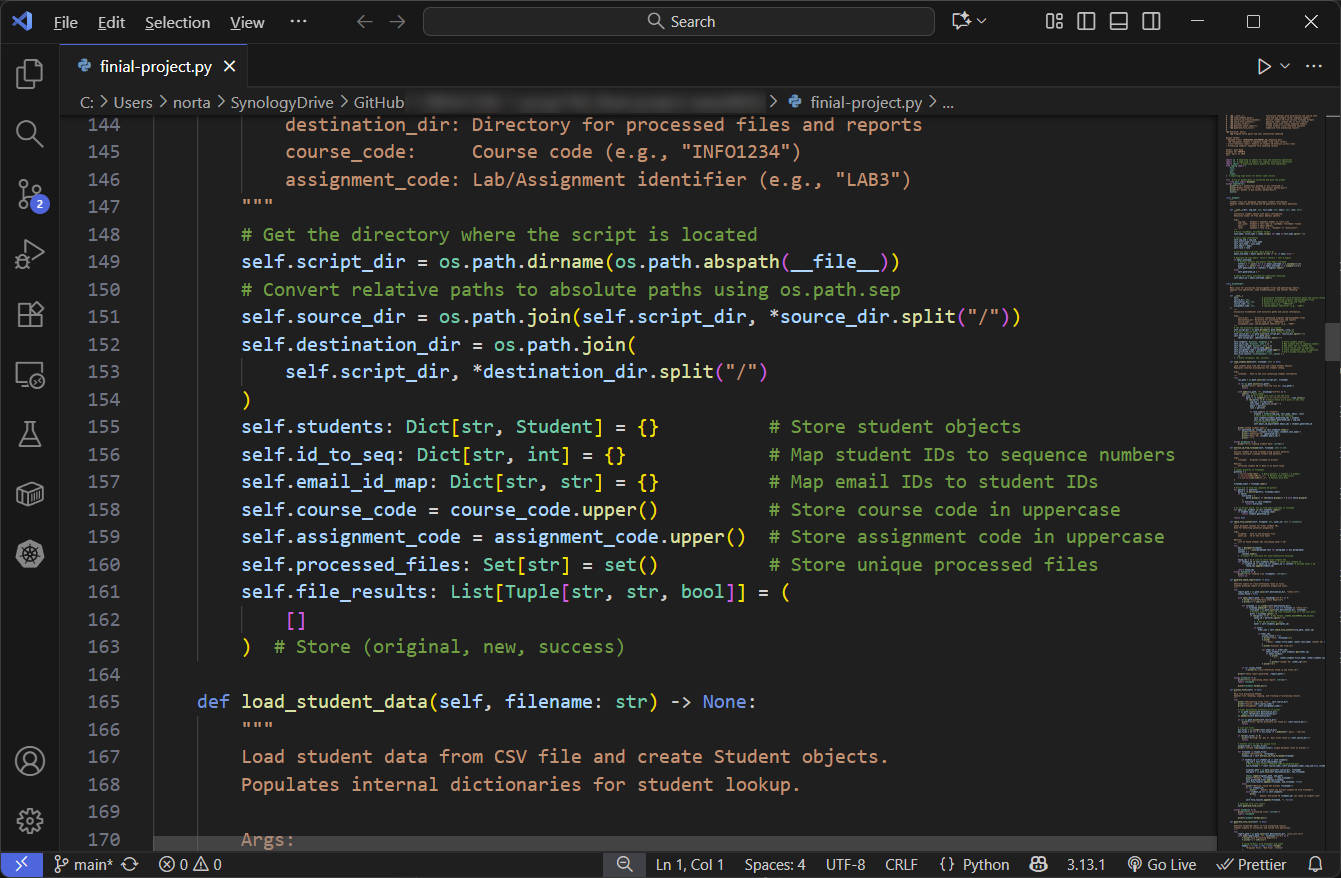
🧩 Introduction
This project was developed as a Python final project in May 2025.
It automates the process of managing student lab submissions — renaming files, verifying submission integrity, and generating analytical reports.
It originated from a real problem in college courses:
instructors often receive hundreds of student .docx submissions with inconsistent naming conventions, misplaced files, and even duplicate or cross-referenced content.
The goal was to design a robust, automated, and object-oriented solution.
🧰 File Management
- Standardizing file names with course code and student information
- Matching student IDs with class roster sequence numbers for organized grading
- Ensuring consistent file naming across all submissions
🔍 Content Analysis
- Detecting shared content between submissions by identifying student IDs
- Supporting both plagiarism detection and group work verification:
- Identifying unauthorized sharing in individual assignments
- Extracting team member information in group projects
- Generating detailed cross-reference reports for instructor review
🗂 Demo Directory Structure
├── project_main.py                    Main program file
├── student_roster.csv                 Roster file with anonymized sequence numbers
│
├── sample_submissions/                Source directory for anonymized submissions
│   ├── Lab1_AAAA0001_COURSECODE_.docx
│   ├── BBBB0002_COURSECODE_Lab2.docx
│   ├── COURSECODE_Lab3_CCCC0003.docx
│   └── ... (other anonymized submission files)
│
└── output_processed/                  Directory for renamed and analyzed files
    ├── COURSECODE_A1_01_AAAA0001.docx   (Renamed with sequence number)
    ├── COURSECODE_A1_02_BBBB0002.docx   (Standardized naming format)
    ├── report_check.txt                 (Cross-reference report)
    └── file_summary.txt                 (Processing summary)
🧩 Key Features
├── Class: Student
│   ├── __init__():                     Initialize student object with basic information
│   ├── parse_name():                   Parse full name into first and last name
│   └── generate_condor_id():           Generate Condor ID from classlist.csv information
│
├── Class: FileChecker
│   ├── __init__():                     Initialize checker with directories and course info
│   ├── load_student_data():            Load and map student roster sequence numbers
│   ├── extract_id_from_filename():     Extract student ID from various filename formats
│   ├── check_file_content():           Identify other student IDs in file content
│   ├── process_files():                Rename files with roster sequence numbers
│   ├── generate_check_report():        Create content cross-reference analysis
│   └── generate_file_list():           Summarize file processing results
│
└── Function: main()
    └── Program entry point and user interaction handling
🧠 Code Logic Example
🔹 ID Extraction via Regex
def extract_id_from_filename(self, filename):
    patterns = [r"([a-zA-Z]{4}\\d{4})", r"_([a-zA-Z]{4}\\d{4})[\\._]"]
    for pattern in patterns:
        match = re.search(pattern, filename.lower())
        if match:
            return match.group(1)
    return None
🔹 Cross-Reference Detection
def check_file_content(self, file_path, id_list):
    '''Scans a .docx file to find any other student IDs mentioned in the content.'''
    found_ids = set()
    try:
        doc = Document(file_path)
        for para in doc.paragraphs:
            for sid in id_list:
                if sid in para.text:
                    found_ids.add(sid)
    except Exception:
        pass
    return list(found_ids)
📄 Output Format
-
Renamed files:
COURSECODE_ASSIGNMENT_##_studentid.docx
(represents the student’s sequence number from the class roster) -
Cross-reference report:
Details of student ID mentions across files -
Processing summary:
Complete file handling results
🧰 Technical Summary
| Concept | Implementation |
|---|---|
| Language | Python 3.12 |
| Paradigm | Object-Oriented Programming (OOP) |
| Libraries | os, re, csv, docx, collections |
| Techniques | Regex parsing, I/O automation, exception handling |
| Output Files | file_list.txt, check.txt |
| Data Source | Roster CSV + .docx submissions |
🧭 Lessons Learned
Through this project, I gained hands-on experience with:
- Designing structured automation workflows using OOP principles
- Managing file systems and text data parsing
- Applying regex to real-world problems
- Handling errors and exceptions for robust operation
This project helped me understand how automation tools can transform tedious, error-prone tasks into efficient workflows.
It also strengthened my confidence in building real-world Python applications that merge practicality with clean design.
🔒 Notes on Data Privacy
All student names, IDs, and course codes have been anonymized for public release.
Original data and institutional references were removed to ensure confidentiality and compliance.